uShopFloor
From paper and confusion to clarity on the floor.
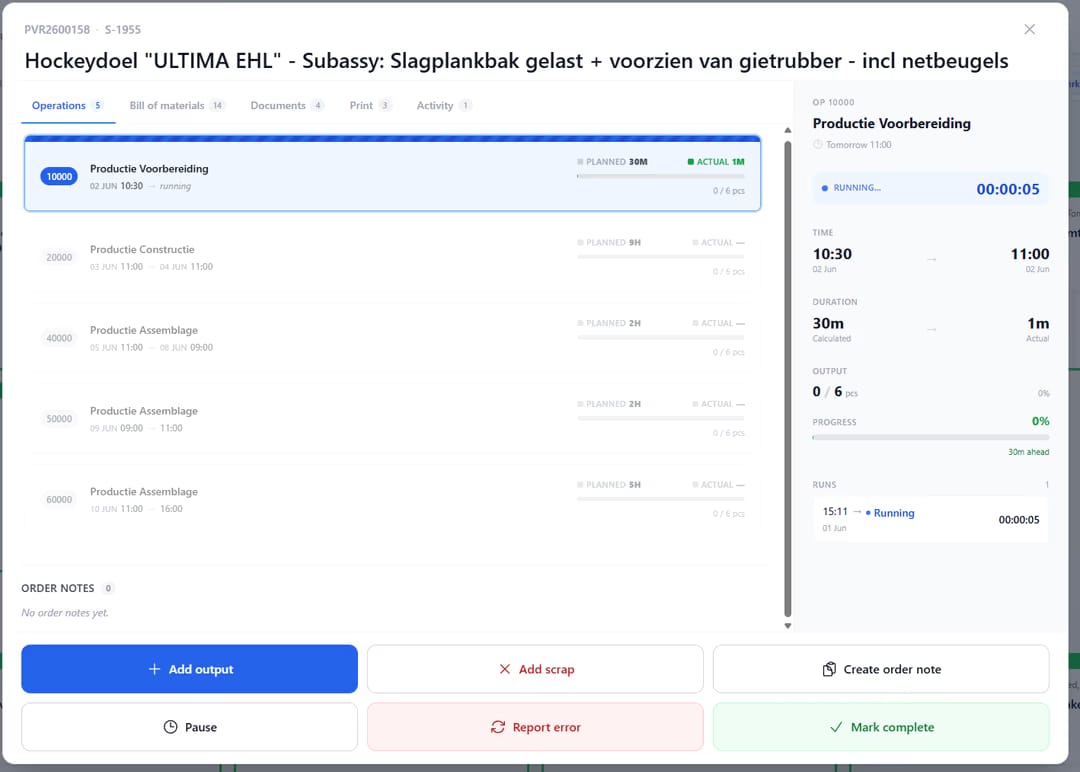
Many shop floor environments still rely on paper, disconnected tools or unclear instructions. uShopFloor translates planning into clear, executable tasks designed for gloves, noise and real environments. The interface is intentionally simple, so no training should be needed. Inline quality checks, material consumption, machine status and issue capture all happen on the screen the operator is already using, so planning and execution stay connected.

One run, several orders.
Plenty of work serves more than one order at once, like an oven cycle baking parts for three production orders, a CNC nest cutting two, or a single mix feeding four. uShopFloor lets an operator open the orders together on one timer. When the run stops, the time is divided across the orders in proportion to their planned runtimes, so each order carries the cost it consumed.
Shared runs, fairly split.
A lot of plant work is shared by design: one oven cycle for three products, one nesting plate for two orders, one mix that serves four. The old options are both bad. You either pick one order and log everything to it, or stop and restart the timer for every swap. uShopFloor lets the operator run the orders together. At the end, the system splits the time across the orders by the ratio of their planned runtimes and posts each share to its own production order. Cost stays where it belongs, and the operator does nothing extra.
- Open multiple production orders on a single shared timer
- Total runtime split across orders by planned-runtime ratio
- Per-order time and cost posted to Business Central separately
- Useful for batch processes, oven cycles, nested cuts, shared setups
- Operator never logs a manual split
- Audit trail records the ratio applied to every shared run
Signals you'd reach for this.
See uShopFloor in a 30-minute demo.
A real screen-share with someone who built it. No slides.