uFieldService
Engineer execution, native to Business Central.
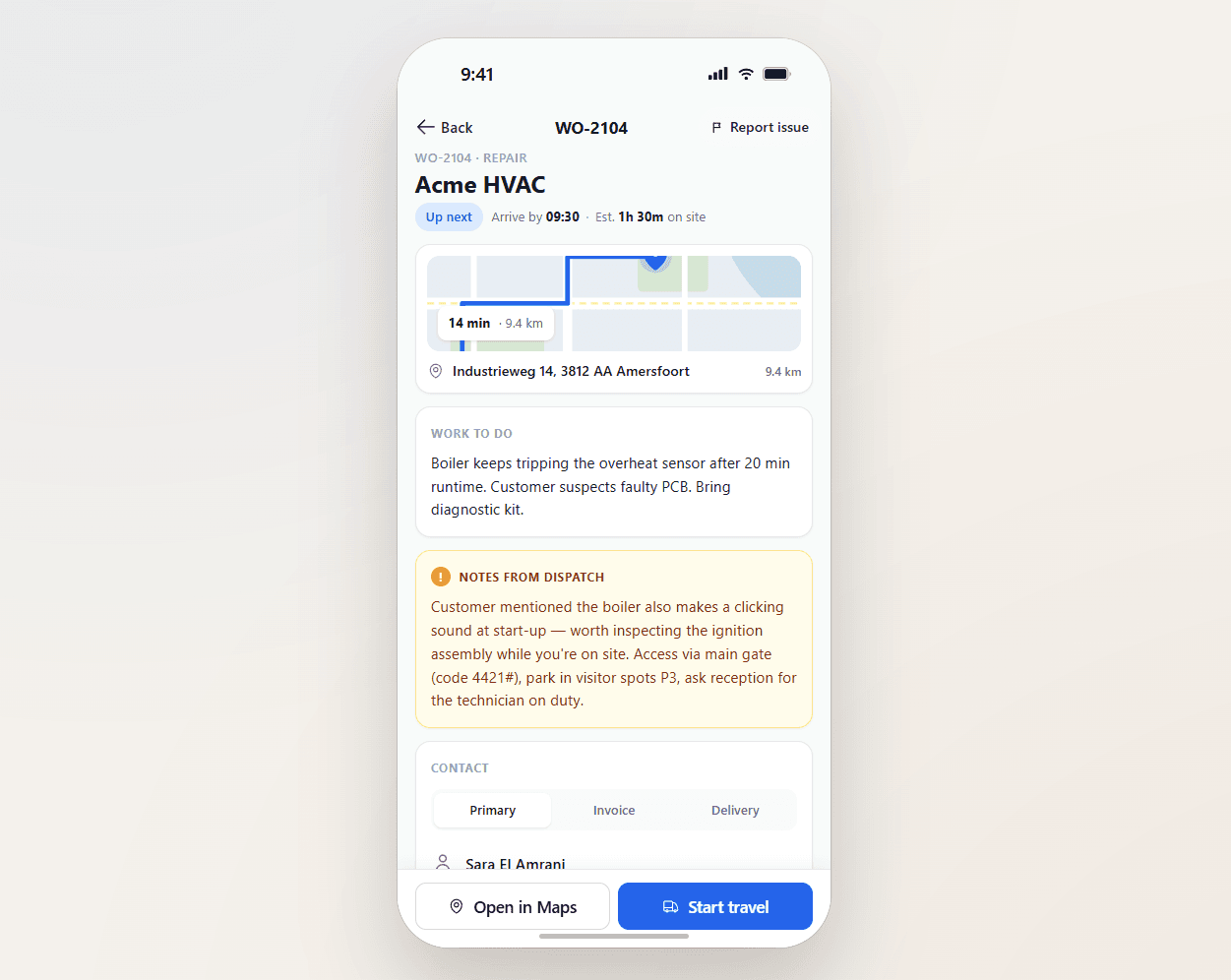
Field service operations are often split across multiple systems and manual steps. uFieldService centralises the engineer-execution side of that workflow. Engineers receive digital work orders with customer details, asset history, work instructions and required materials — sourced from either the Project module or the Service module of Business Central, whichever fits the job. Engineers register their own time and time for coworkers, add materials by scan, work fully offline, communicate with customers from the app, and capture a customer signature on-site. Everything posts straight back to Business Central — no re-keying, no paper bridge.

Time captured at the moment it happens.
Travel, on-site, work, break — registered as the engineer moves through the day. And the engineer can register time for coworkers on the same job, so a two-person team does not need two tablets and four taps to log the same hour. Time lands directly on the Project or Service order in Business Central.
A timesheet that writes itself.
A timesheet filled in on Friday for the past five days is a guess. uFieldService captures time as it happens — and lets the lead engineer log time for their coworkers in the same flow, so a crew of three does not become a tax on the lead engineer's evening. The hours are accurate, the payroll is on time, the invoice is defendable.
- State-based time tracking (travel, on-site, work, break)
- Per-coworker time entry from the lead engineer's app
- Per-engineer rates and overtime rules from Business Central
- Per-project or per-service-order posting in Business Central
- Edits with audit trail (who changed, why, when)
- Daily and weekly summary visible to the engineer before submit
Signals you'd reach for this.
See uFieldService in a 30-minute demo.
A real screen-share with someone who built it. No slides.