uFieldService
Engineer execution, native to Business Central.
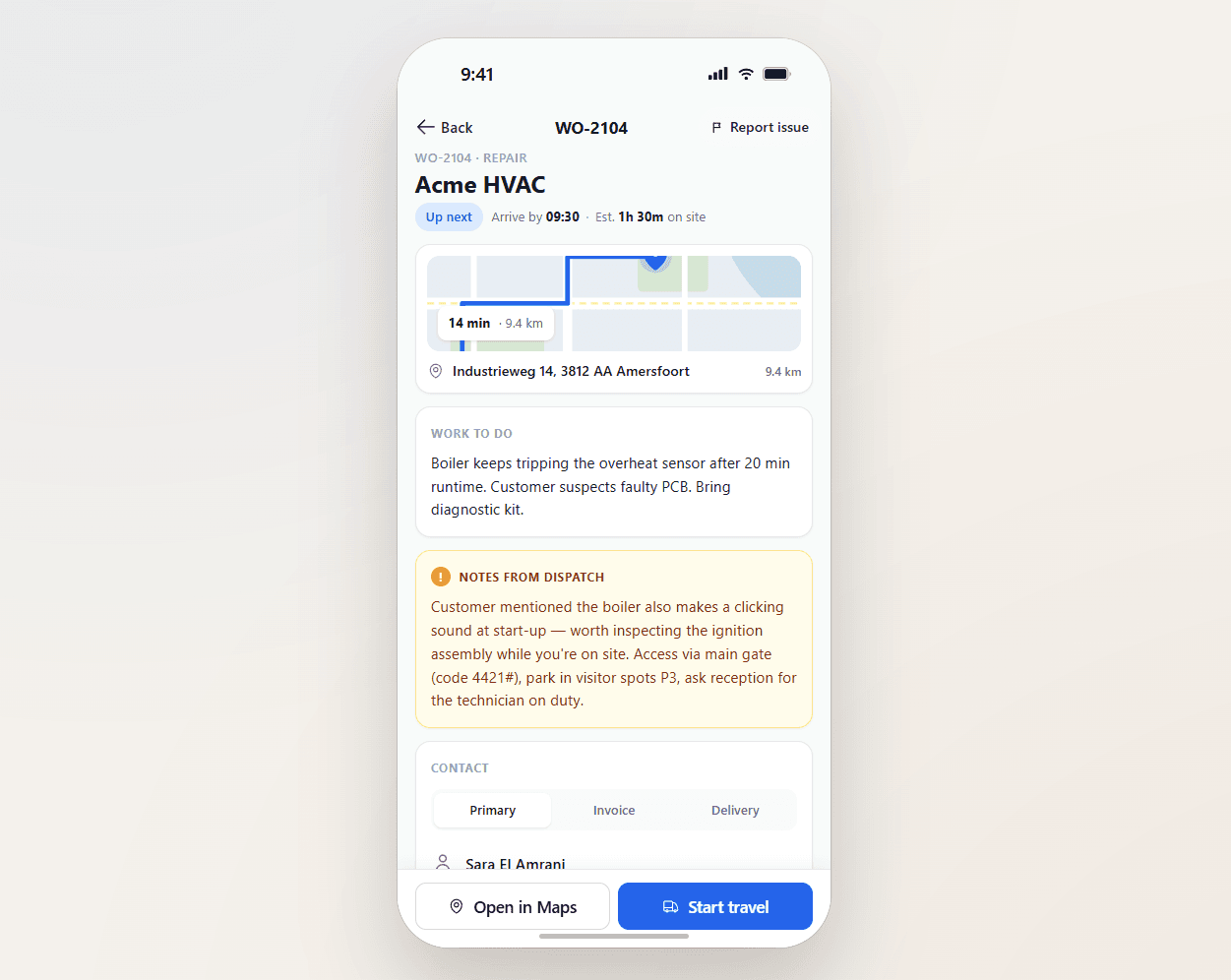
Field service operations are often split across multiple systems and manual steps. uFieldService centralises the engineer-execution side of that workflow. Engineers receive digital work orders with customer details, asset history, work instructions and required materials — sourced from either the Project module or the Service module of Business Central, whichever fits the job. Engineers register their own time and time for coworkers, add materials by scan, work fully offline, communicate with customers from the app, and capture a customer signature on-site. Everything posts straight back to Business Central — no re-keying, no paper bridge.

A full shift offline is a supported scenario.
Basements. Tunnels. Rural blackspots. Industrial sites where the customer Wi-Fi is "rebooting all morning". The engineer does a complete day's work — work orders, materials, photos, signatures, time — without a signal, and the app syncs cleanly the moment connection returns.
The day you cannot afford to lose.
An engineer who finished eight jobs offline and lost them on the drive home is a quitting engineer. uFieldService treats the offline cache as durable, encrypted, and recoverable — the engineer's day survives a dropped tablet, a flat battery, a corrupted file. The sync engine is the most-tested part of the product.
- Encrypted local store on the device (work orders, forms, photos)
- Outbound queue with retry, conflict detection and audit
- Pre-cache of the day's work orders, forms and reference photos
- Sync indicator: pending count, last-synced time, failure surface
- Cross-device hand-off (start on tablet, finish on phone)
- Tamper-evident timestamps — signatures and times preserved through sync
Signals you'd reach for this.
See uFieldService in a 30-minute demo.
A real screen-share with someone who built it. No slides.