uFieldService
Engineer execution, native to Business Central.
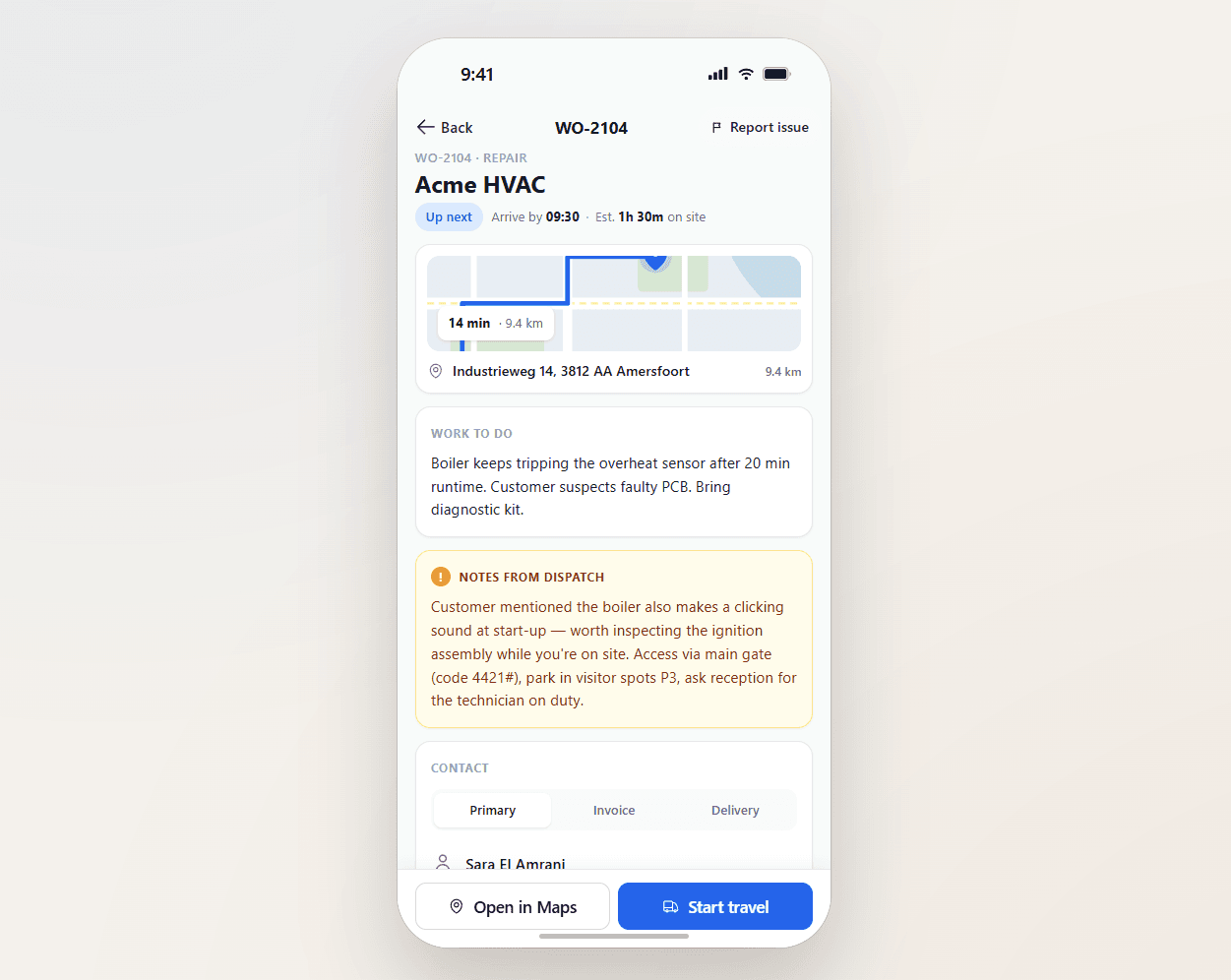
Field service operations are often split across multiple systems and manual steps. uFieldService centralises the engineer-execution side of that workflow. Engineers receive digital work orders with customer details, asset history, work instructions and required materials — sourced from either the Project module or the Service module of Business Central, whichever fits the job. Engineers register their own time and time for coworkers, add materials by scan, work fully offline, communicate with customers from the app, and capture a customer signature on-site. Everything posts straight back to Business Central — no re-keying, no paper bridge.

Build the engineer's form. Build the customer's report. From the same place.
A drag-and-drop builder for the forms engineers fill in on the job — order details, materials used, time clocked, photos, custom checklists, free text. Decide per field whether it stays internal or shows up on the PDF that goes out to the customer. No code, no Business Central report layouts, no developer ticket.
A form that matches the job.
Off-the-shelf service apps give you one generic form for every situation. uFieldService lets you build the exact form your engineers need for each kind of work — and decide, field by field, what the customer is allowed to see. The result is shorter forms, faster sign-off, and a customer report that says exactly what you want it to say.
- Drag-and-drop builder; no code, no developer needed
- Field types: text, number, dropdown, checkbox, date, photo, signature, free text
- Pre-built blocks: order header, materials, time, customer details, asset details
- Per-field visibility: engineer-only, or engineer and customer PDF
- Conditional fields (show "refrigerant type" only when "refrigerant added" is ticked)
- Per-work-type forms — engineers see the right form automatically
- Required fields and validation — sign-off blocked until completed
- Live preview of both the engineer view and the customer PDF as you build
Signals you'd reach for this.
See uFieldService in a 30-minute demo.
A real screen-share with someone who built it. No slides.