uFieldService
Engineer execution, native to Business Central.
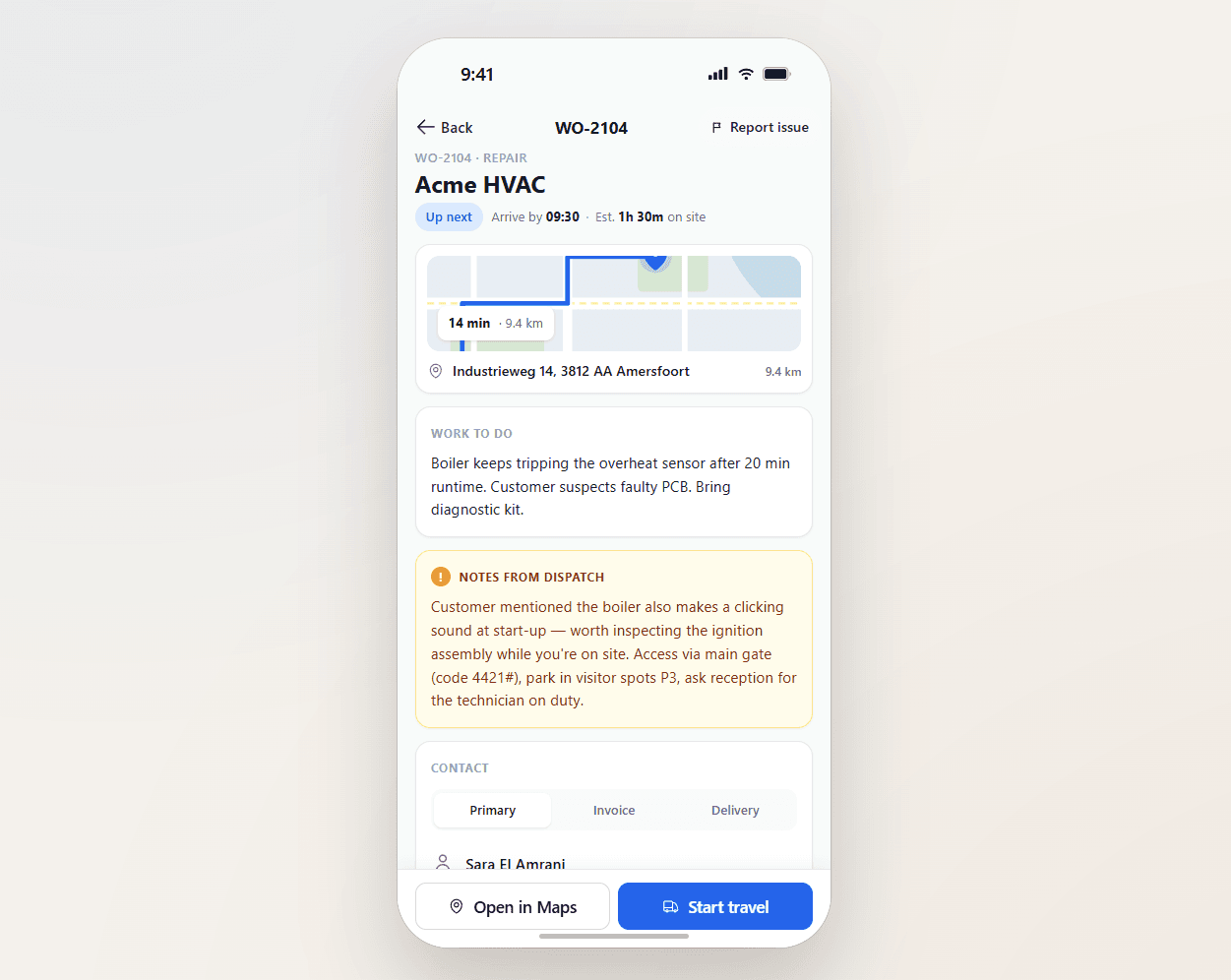
Field service operations are often split across multiple systems and manual steps. uFieldService centralises the engineer-execution side of that workflow. Engineers receive digital work orders with customer details, asset history, work instructions and required materials — sourced from either the Project module or the Service module of Business Central, whichever fits the job. Engineers register their own time and time for coworkers, add materials by scan, work fully offline, communicate with customers from the app, and capture a customer signature on-site. Everything posts straight back to Business Central — no re-keying, no paper bridge.

Built for the van.
Works offline. Big buttons. Photo capture. Signature capture. Built by people who shadowed engineers for a week before they wrote a line of code — so it survives gloves, sun glare, basements with no signal, and a customer breathing down the engineer's neck.
The screen that does not get in the way.
The engineer's screen is the user interface for the entire business — to the customer. It is the one the customer sees, the one they sign, the one they form an opinion from. uFieldService takes that seriously: the engineer app looks professional, behaves professionally, and never embarrasses the engineer.
- Day list with map view and ETA per stop
- Tap-to-navigate via Google Maps
- Time tracking: travel, on-site, work, break
- Photo capture with auto-attach to the work order
- Customer signature with name capture
- Multilingual UI per engineer preference
Signals you'd reach for this.
See uFieldService in a 30-minute demo.
A real screen-share with someone who built it. No slides.