uFieldService
Engineer execution, native to Business Central.
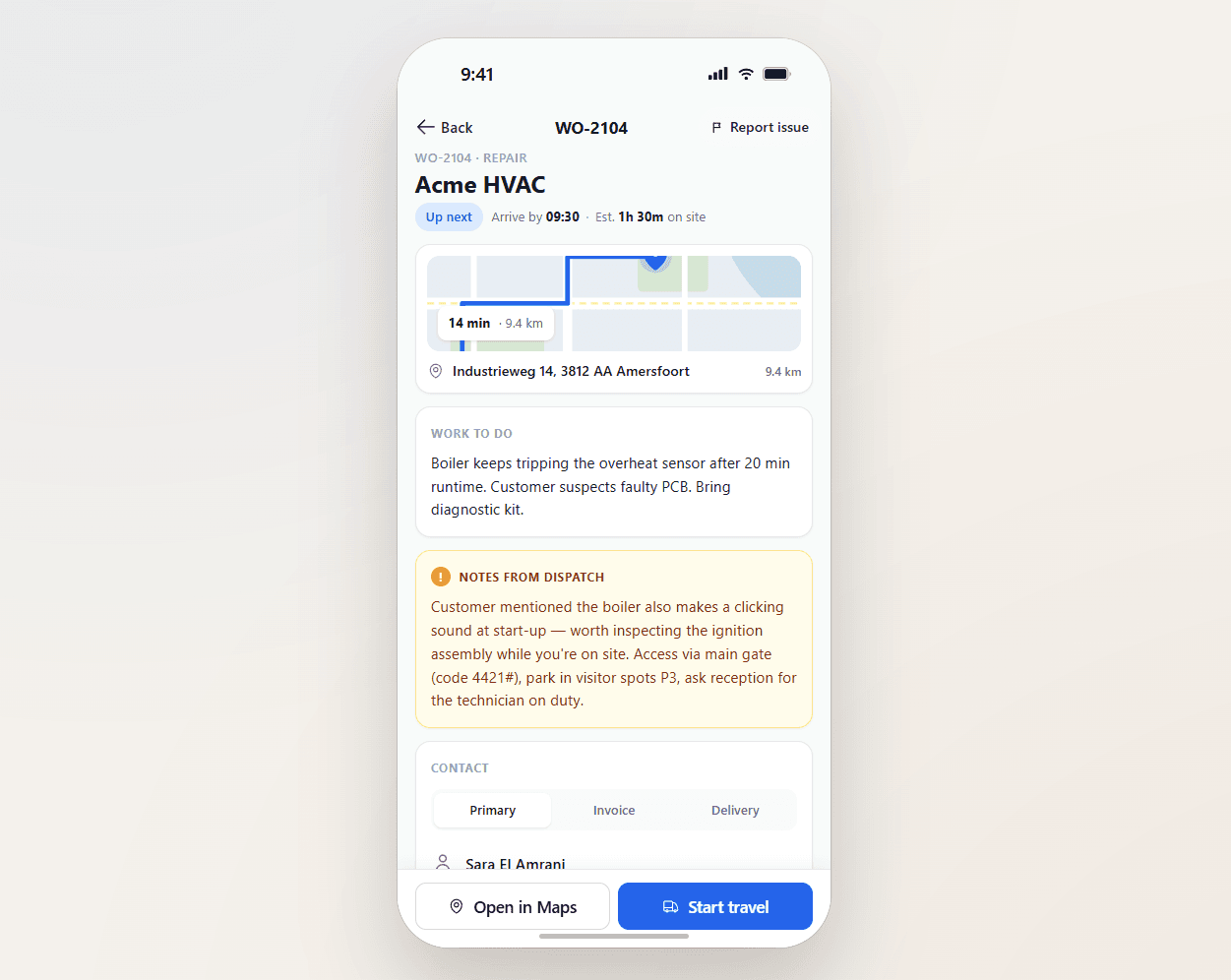
Field service operations are often split across multiple systems and manual steps. uFieldService centralises the engineer-execution side of that workflow. Engineers receive digital work orders with customer details, asset history, work instructions and required materials — sourced from either the Project module or the Service module of Business Central, whichever fits the job. Engineers register their own time and time for coworkers, add materials by scan, work fully offline, communicate with customers from the app, and capture a customer signature on-site. Everything posts straight back to Business Central — no re-keying, no paper bridge.

The customer hears from you, on the right day, at the right time.
"Engineer is 20 minutes out." "Running 30 minutes late — your slot is now 11:30." "Job complete, your signed report is attached." Sent from inside the work-order flow — by the engineer, the dispatcher, or automatically. No "I tried to call but…".
The communication that customers actually want.
Customers do not want surprise visits, late surprises, or vague aftermaths. They want a window, an update if it slips, and a clean report afterwards. uFieldService sends those three things by default — in the customer's language, under your brand, on the channel they prefer.
- ETA SMS / email when the engineer goes en route
- Slip notifications when traffic or job overrun changes the ETA
- Booking confirmation when an appointment is scheduled
- Sign-off email with the signed report and photo evidence
- Per-customer language and branded templates
- Per-customer channel preference (email or SMS)
Signals you'd reach for this.
See uFieldService in a 30-minute demo.
A real screen-share with someone who built it. No slides.