Field Service

uFieldService

Engineer execution, native to Business Central.

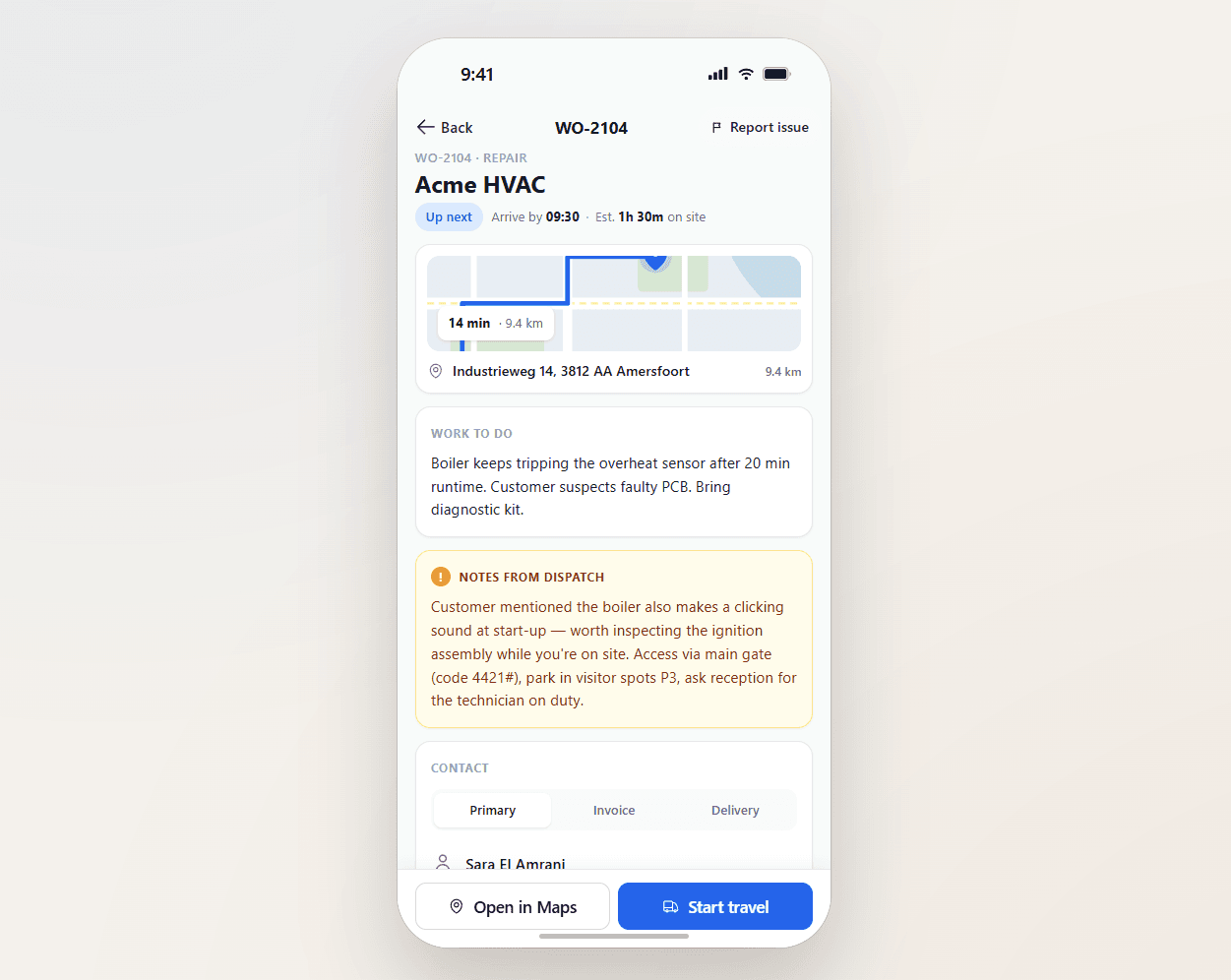
Field service operations are often split across multiple systems and manual steps. uFieldService centralises the engineer-execution side of that workflow. Engineers receive digital work orders with customer details, asset history, work instructions and required materials — sourced from either the Project module or the Service module of Business Central, whichever fits the job. Engineers register their own time and time for coworkers, add materials by scan, work fully offline, communicate with customers from the app, and capture a customer signature on-site. Everything posts straight back to Business Central — no re-keying, no paper bridge.

uFieldService image 1
Functionalities · 10
uFieldService · Asset History

Every visit, every part, every problem — on one timeline.

A customer's heat pump has its own record. Every visit, every replaced part, every reported issue, every modification — on one timeline. The next engineer to visit reads it in 30 seconds and arrives prepared.

One asset, one timeline
Service visits, replaced parts, modifications, warranty claims, photos — chronological per asset. The story of the asset is one scroll.
Jump to the underlying work order
Every entry on the timeline links straight back to the work order that produced it — full materials, time, signed report and notes. No copying job numbers between screens, no hunting through Business Central.
Audit-ready for compliance
For regulated equipment (refrigeration, medical, safety-critical), the asset record is the compliance evidence. Tamper-evident, exportable, retained per regulation.
What you see

A memory that survives engineer turnover.

Field service knowledge has historically lived in engineers' heads — "Frank knows this heat pump." When Frank retires, the knowledge goes with him. uFieldService captures the knowledge against the asset itself: photos, parameters, prior actions, customer preferences. The next engineer inherits what Frank knew.

  • Asset record per customer asset (serial, model, install date)
  • Service history with photos and notes
  • Replaced parts with lot/serial traceability
  • Modification log (firmware versions, settings changes)
uFieldService image 2
When this matters

Signals you'd reach for this.

01
Asset knowledge lives in heads
When the engineer who knows the customer retires, the customer becomes a guess. Asset records prevent the loss.
02
Site visits start blind
An engineer who arrives at a customer without context on what was last done to this asset is a slower, more anxious engineer. A one-scroll timeline ends it.
03
"When did you last service this?"
A customer question that should not need a phone call to answer. With a per-asset timeline, the engineer reads it back in five seconds — date, what was done, who did it, what was replaced.
04
Asset records live in shared drives
A folder of PDFs labelled with serial numbers is the history nobody finds in time. A timeline view inside the work-order system is the history everyone uses.
FAQ

The questions everyone asks first.

Still wondering? Ask us directly →

From standard Business Central. uFieldService uses Business Central's native service-item and fixed-asset functionality — no parallel asset master, no custom tables. An asset is created by the engineer on an installation work order, by the back office in Business Central directly, or imported when a new customer comes on board with existing equipment. From then on, every visit adds to the timeline automatically.

See uFieldService in a 30-minute demo.

A real screen-share with someone who built it. No slides.

The uTools suite

Other apps that pair well with uFieldService