uFieldService
Engineer execution, native to Business Central.
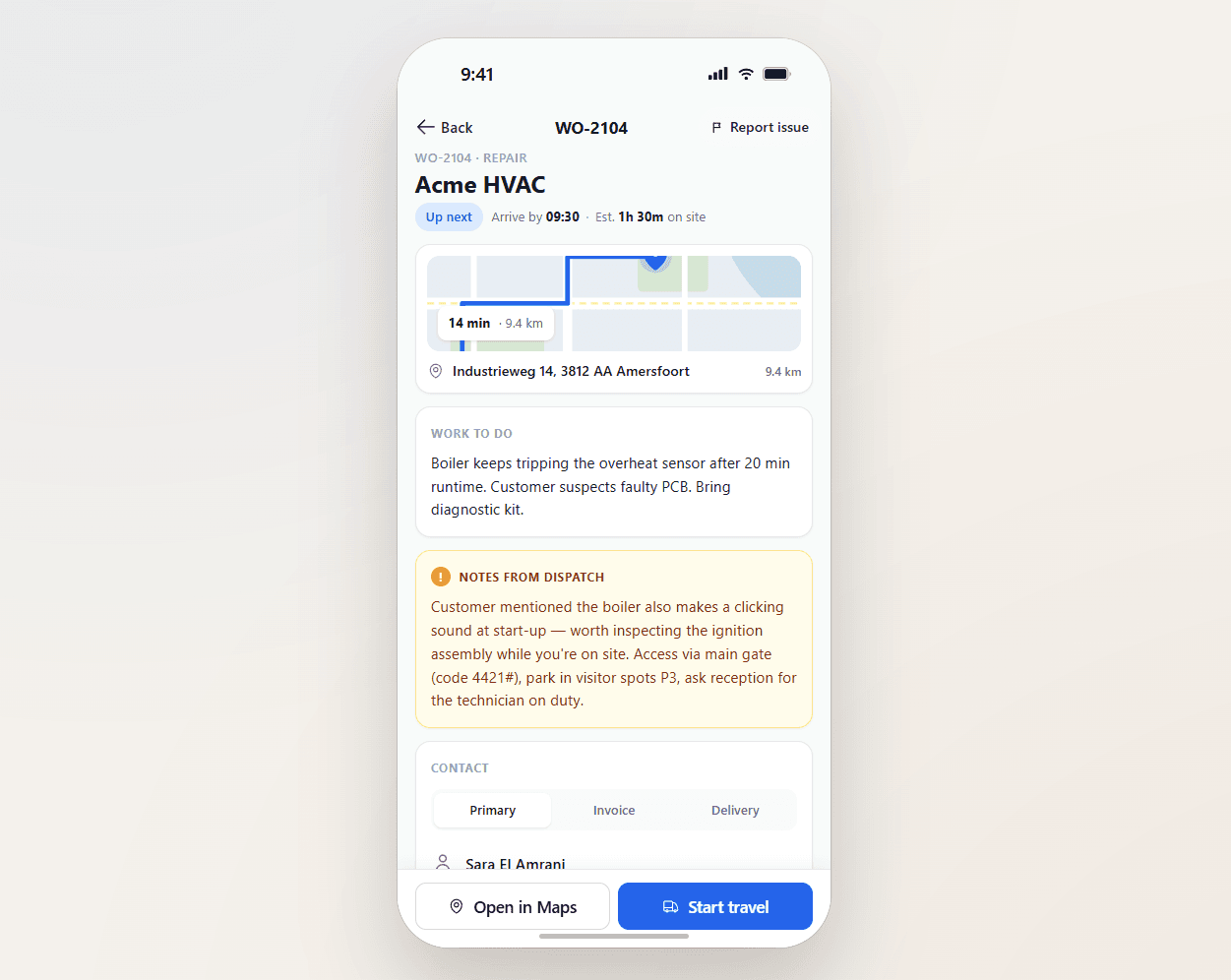
Field service operations are often split across multiple systems and manual steps. uFieldService centralises the engineer-execution side of that workflow. Engineers receive digital work orders with customer details, asset history, work instructions and required materials — sourced from either the Project module or the Service module of Business Central, whichever fits the job. Engineers register their own time and time for coworkers, add materials by scan, work fully offline, communicate with customers from the app, and capture a customer signature on-site. Everything posts straight back to Business Central — no re-keying, no paper bridge.

Field service execution, native to Business Central.
Digital work orders, on-site execution, time and materials capture, digital signatures — all flowing directly into Business Central, on either the Project module or the Service module. Engineers spend their day on the work; the back office sees clean, signed data the moment it happens.
The cycle time conversation.
A field-service business lives and dies on cycle time — work order to cash. Paper-driven shops measure it in weeks. Digital-but-disjointed shops measure it in days. uFieldService brings the engineer-execution side to hours: signed data hits Business Central the moment the engineer leaves the site, so the back office can invoice from it without re-keying anything.
- Digital work orders with full customer and asset context
- Engineer app with offline support, photo and signature
- Time registration for the engineer and their coworkers on the job
- Materials added on the order — by scan, by search, or from van stock
- Customer communication from inside the app (ETA, status, signed report)
- Van stock tracked as a first-class location
- Posts to Business Central Project or Service — your choice per job
Signals you'd reach for this.
See uFieldService in a 30-minute demo.
A real screen-share with someone who built it. No slides.