uScheduler Production
Ein Produktionsplan, den du wirklich umsetzen kannst.
Die meisten Tools für die Produktionsplanung zeichnen schöne Gantt-Diagramme, mit denen niemand arbeiten kann. In uScheduler Production ist jede Zelle auf der Plantafel eine Entscheidung, die du treffen kannst. Zieh einen Auftrag, und Kapazität, Werkzeuge, Qualifikationen, Reihenfolge und Materialverfügbarkeit aktualisieren sich sofort. Passt etwas nicht, siehst du es direkt. Auto-Plan schlägt einen Ausgangspunkt vor, und der Planer verfeinert ihn. In der Fertigung ändert sich nichts, bis der Planer freigibt. Das Ergebnis ist ein Plan, den du ohne Erklärung auf einen Bildschirm über der Linie stellen und im Vertriebsmeeting vertreten kannst, wenn jemand fragt: „Wann können wir liefern?“
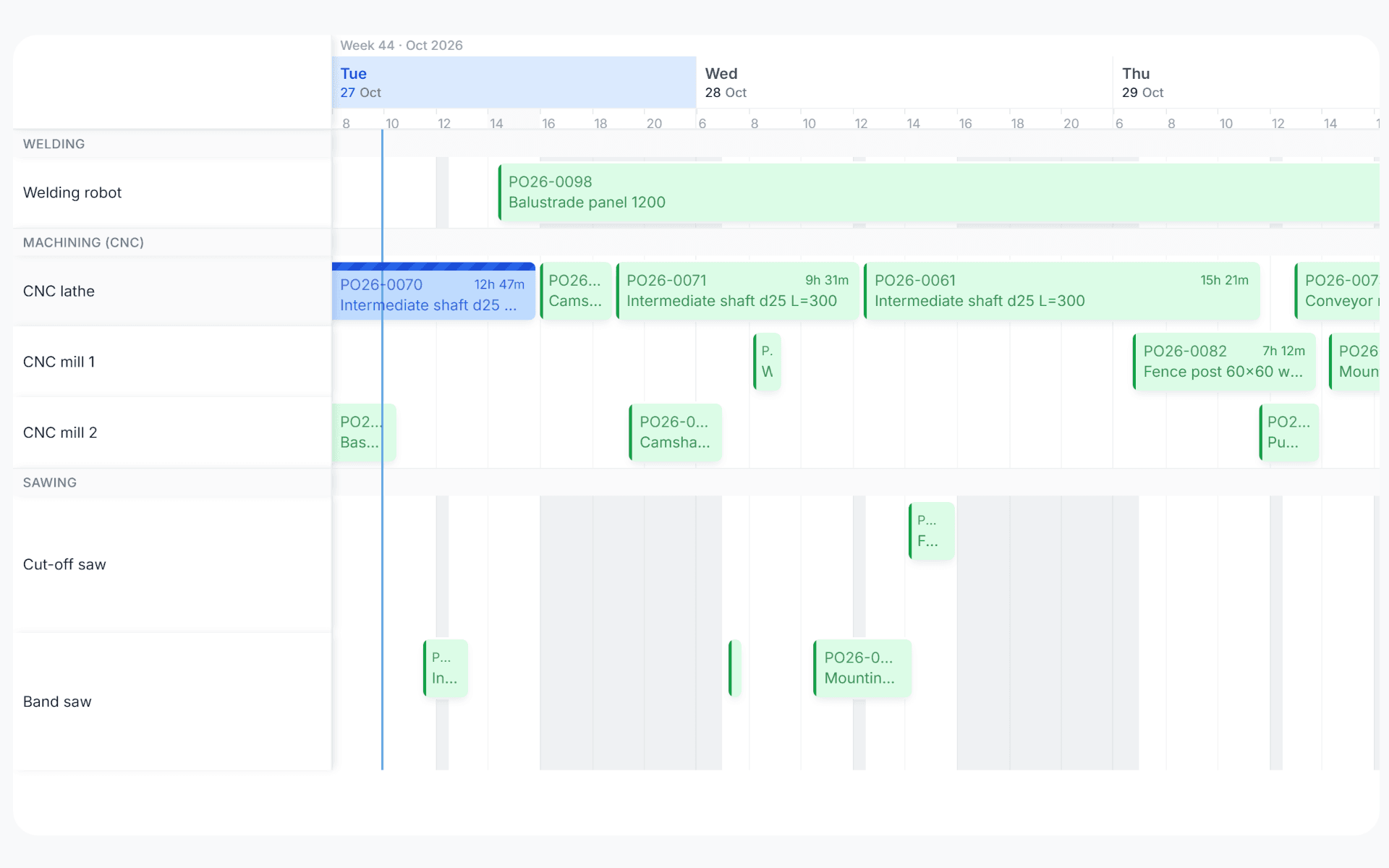
Capacity and parts, checked together.
A plan only works if the machine hours and the components both line up on the day. uScheduler checks capacity and material availability in the same pass, at planning time and every time you drag, so a move that would start without hours or without parts is flagged before it's committed.
The two checks that decide whether a plan ships.
Capacity-only planning produces a clean schedule that the warehouse breaks at start-of-shift. Material-only planning ignores the bottleneck on the floor. Both have to be true at once: hours available, parts available, on the same day, on the same order. uScheduler checks both together, so if a move breaks either one, you see why straight away.
- Capacity and material checked together on every drag and on every auto-plan run
- Per work centre, per machine centre, per shift, per day load visualisation
- Material checked per BOM line while you plan, including stock, receipts and reservations
- Per-component shortfall report with proposed action (delay, substitute, expedite)
- Holidays, planned maintenance and shift exceptions respected automatically
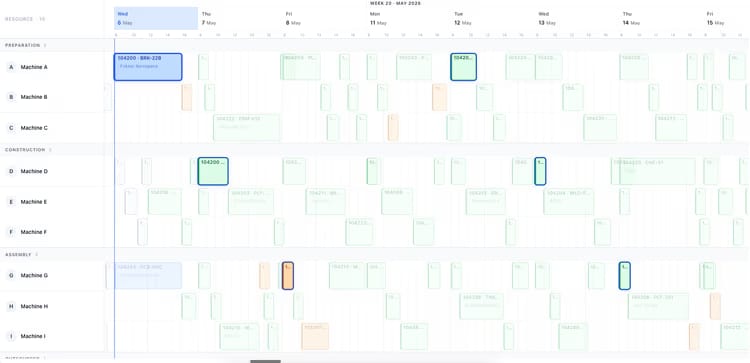
Anzeichen, dass du das brauchst.
Sieh dir uScheduler Production in einer 30-minütigen Demo an.
Eine echte Bildschirmfreigabe mit jemandem, der es gebaut hat. Keine Folien.