uScheduler Production
Ein Produktionsplan, den du wirklich umsetzen kannst.
Die meisten Tools für die Produktionsplanung zeichnen schöne Gantt-Diagramme, mit denen niemand arbeiten kann. In uScheduler Production ist jede Zelle auf der Plantafel eine Entscheidung, die du treffen kannst. Zieh einen Auftrag, und Kapazität, Werkzeuge, Qualifikationen, Reihenfolge und Materialverfügbarkeit aktualisieren sich sofort. Passt etwas nicht, siehst du es direkt. Auto-Plan schlägt einen Ausgangspunkt vor, und der Planer verfeinert ihn. In der Fertigung ändert sich nichts, bis der Planer freigibt. Das Ergebnis ist ein Plan, den du ohne Erklärung auf einen Bildschirm über der Linie stellen und im Vertriebsmeeting vertreten kannst, wenn jemand fragt: „Wann können wir liefern?“
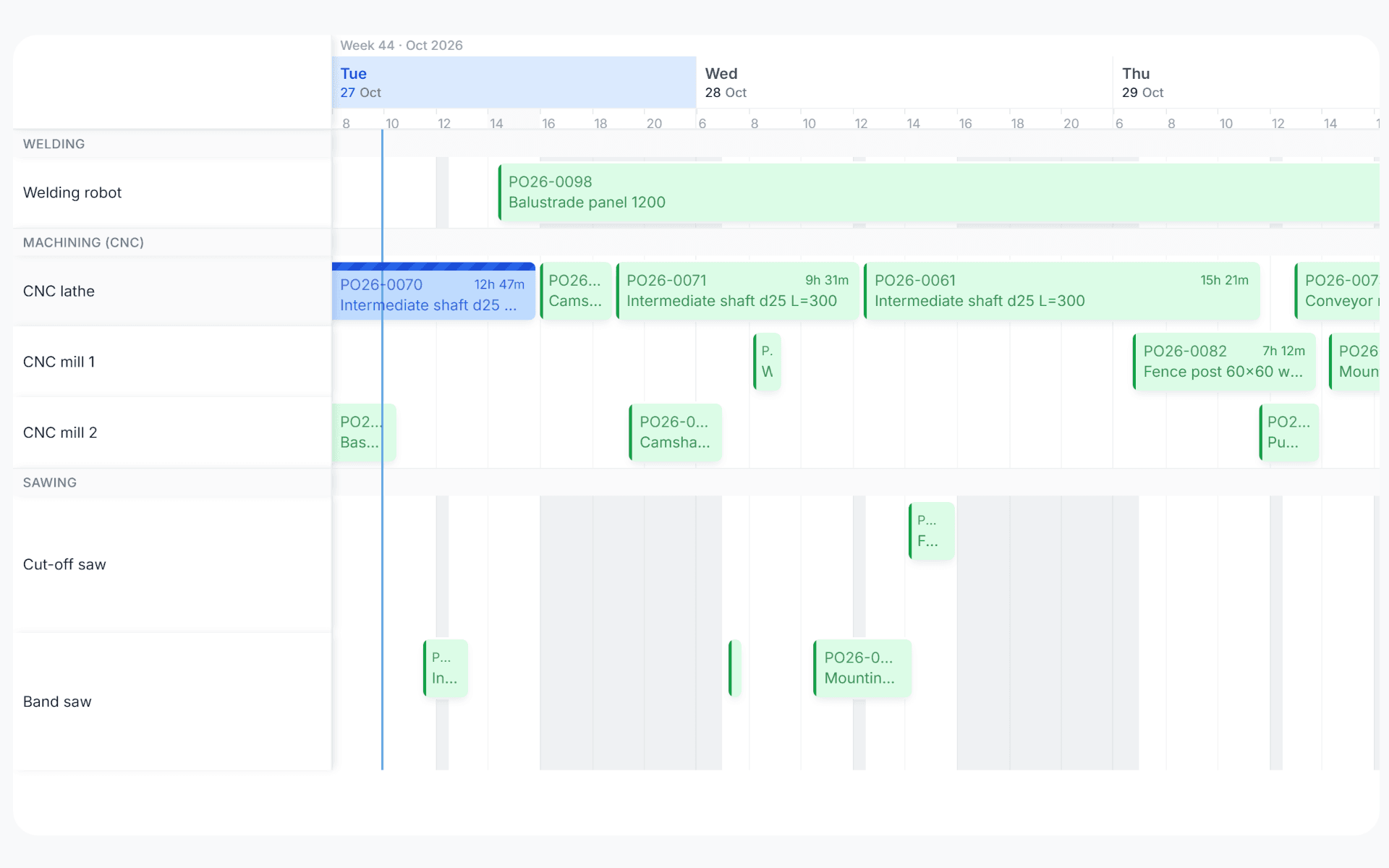
A production plan the floor can run.
Drag an order, drop it, and see straight away whether capacity and materials allow it. It's a plan you can put on a screen on the shop floor without explaining it, and one you can defend in a sales meeting when somebody asks "when can we ship it?".
One board. One reality.
Most production planning tools draw beautiful Gantts that nobody can act on. uScheduler Production starts from the opposite premise: every cell on the board is a decision waiting to be made. The tool is there to help you decide, instead of just showing what already happened.
- Visual planning board for production, capacity- and material-aware
- Drag-and-drop with instant feasibility check
- Auto-plan proposal as a starting point, you make the call
- Tooling, qualifications and sequencing as first-class constraints
- Material availability checked while you plan
- Live KPIs: on-time completion, capacity utilisation, late orders
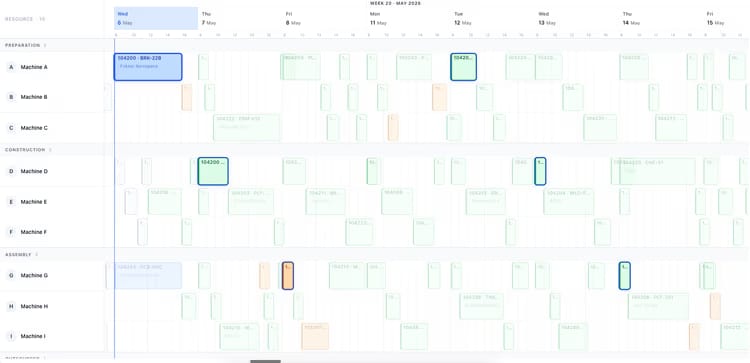
Anzeichen, dass du das brauchst.
Sieh dir uScheduler Production in einer 30-minütigen Demo an.
Eine echte Bildschirmfreigabe mit jemandem, der es gebaut hat. Keine Folien.